View all questions & answers for the NSE 7 - Security Operations 7.6 Architect Materials exam
NSE 7 - Security Operations 7.6 Architect Materials-Question 22 Discussion
Comments
Selected Answers: A
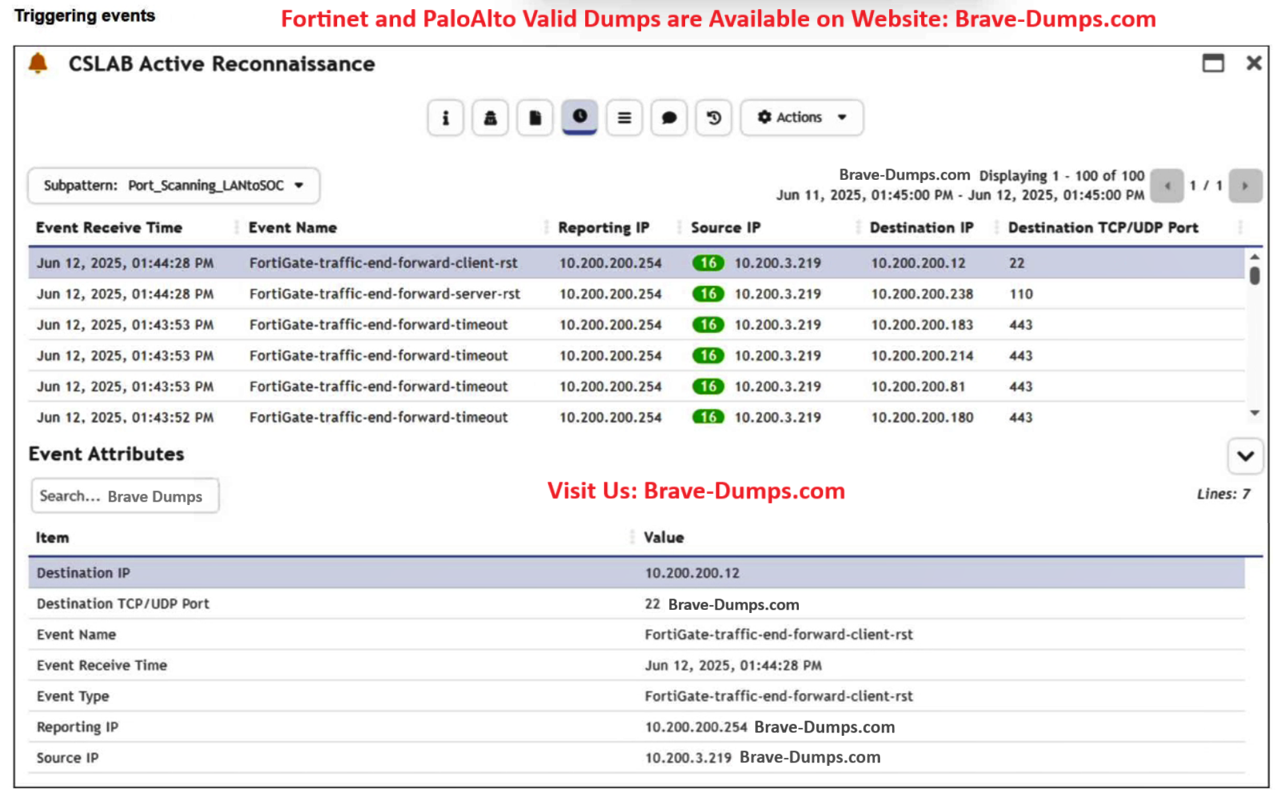
"Triggered Attributes: Select the attributes from the triggering events that you want to include as columns in the Dashboard and Incidents interfaces for this event."
Refer to the exhibit. You are reviewing the Triggering Events page for a FortiSIEM incident. You want to remove the Reporting IP column because you have only one firewall in the topology. How do you accomplish this? (Choose one answer)
Brave-Dump Clients Votes