View all questions & answers for the FCP - FortiGate 7.4 Administrator Exam Materials exam
FCP - FortiGate 7.4 Administrator Exam Materials-Question 25 Discussion
Comments
Selected Answers: D
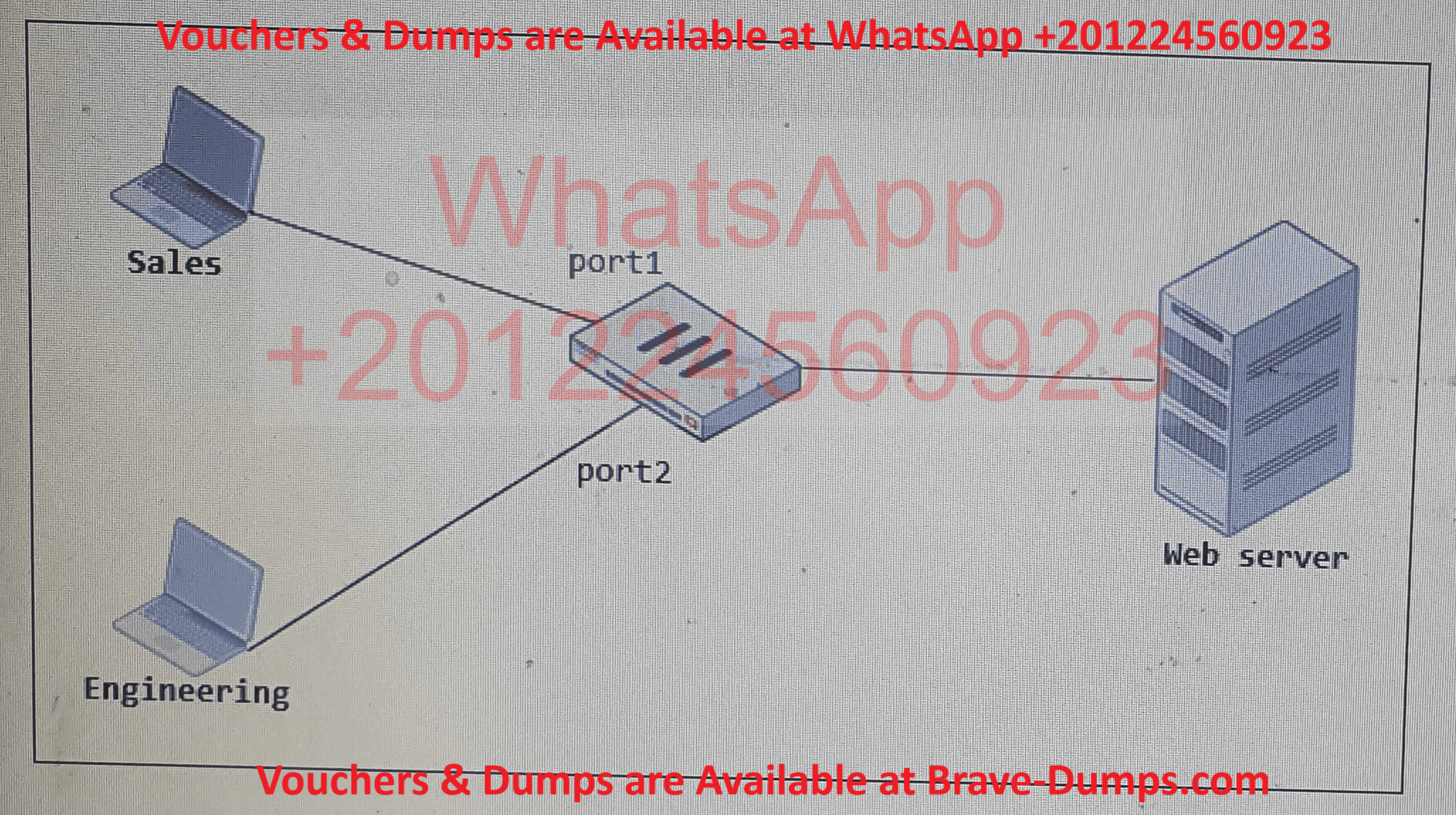
A: "Multiple Interface Policies" isn’t a FortiGate feature. Policies can’t natively select multiple interfaces without grouping.
B: Using any is insecure (overly permissive) and doesn’t explicitly consolidate the interfaces.
C: Subnet-based rules don’t solve the interface-specific policy duplication.
-
Ali Qasem
2025-05-28 13:10:33
NVM A is the wright answer
Selected Answers: A
As per Fortigate Administrator 7.4 study guide page 37,
"However, you can enable the Multiple Interface Policies option on the Feature Visibility page to disable the single interface restriction."
"You can also specify multiple interfaces..."
Answer 100% is A,
__
D is not correct, While creating an Interface Group including port1 and port2 might seem like a valid approach, FortiGate does not support using Interface Groups directly as source or destination interfaces in firewall policies. Therefore, the correct method to consolidate policies across multiple interfaces is by enabling the 'Multiple Interface Policies' feature, which allows specifying multiple interfaces within a single policy configuration.
FortiGate has two separate firewall policies for Sales and Engineering to access the same web server with the same security profiles. Which action must the administrator perform to consolidate the two policies into one? (Choose one answer)
Brave-Dump Clients Votes