● CompTIA Security+ Exam Voucher
275 $
CompTIA Security+ Exam Voucher – Official Certification Exam - Valid worldwide for candidates in all countries
Start or advance your cybersecurity career with the CompTIA Security+ Exam Voucher. Security+ is a globally recognized, vendor-neutral certification that validates essential cybersecurity skills, including network security, risk management, threat detection, incident response, and protecting business systems.
CompTIA Security+ is trusted by employers, government agencies, and IT professionals worldwide. It is ideal for cybersecurity analysts, security administrators, network engineers, system administrators, IT support specialists, and anyone pursuing a career in information security.
This voucher gives you access to the official CompTIA Security+ (SY0-701) exam through Pearson VUE testing centers or approved online testing options, subject to CompTIA policies.
✅ How to Use Your CompTIA Voucher on Pearson VUE (Step-by-Step)
Follow these steps to redeem your CompTIA exam voucher and book your test for free:
1- Go to: https://login.comptia.org/
2- Create an account or log in to your CompTIA account.
3- Find the "Manage Exams" section, nn your account homepage, look for the "Manage Exams" section and click the Scheduled and Manage Exams link.
4- Update your profile, Complete or verify your profile information and click Save Updates.
5- You'll be directed to Pearson VUE's website. Select the exam code you want to schedule.
6- Choose whether you want to take the exam online or at a test center.
7- Accept the terms and conditions, then select your appointment date and time.
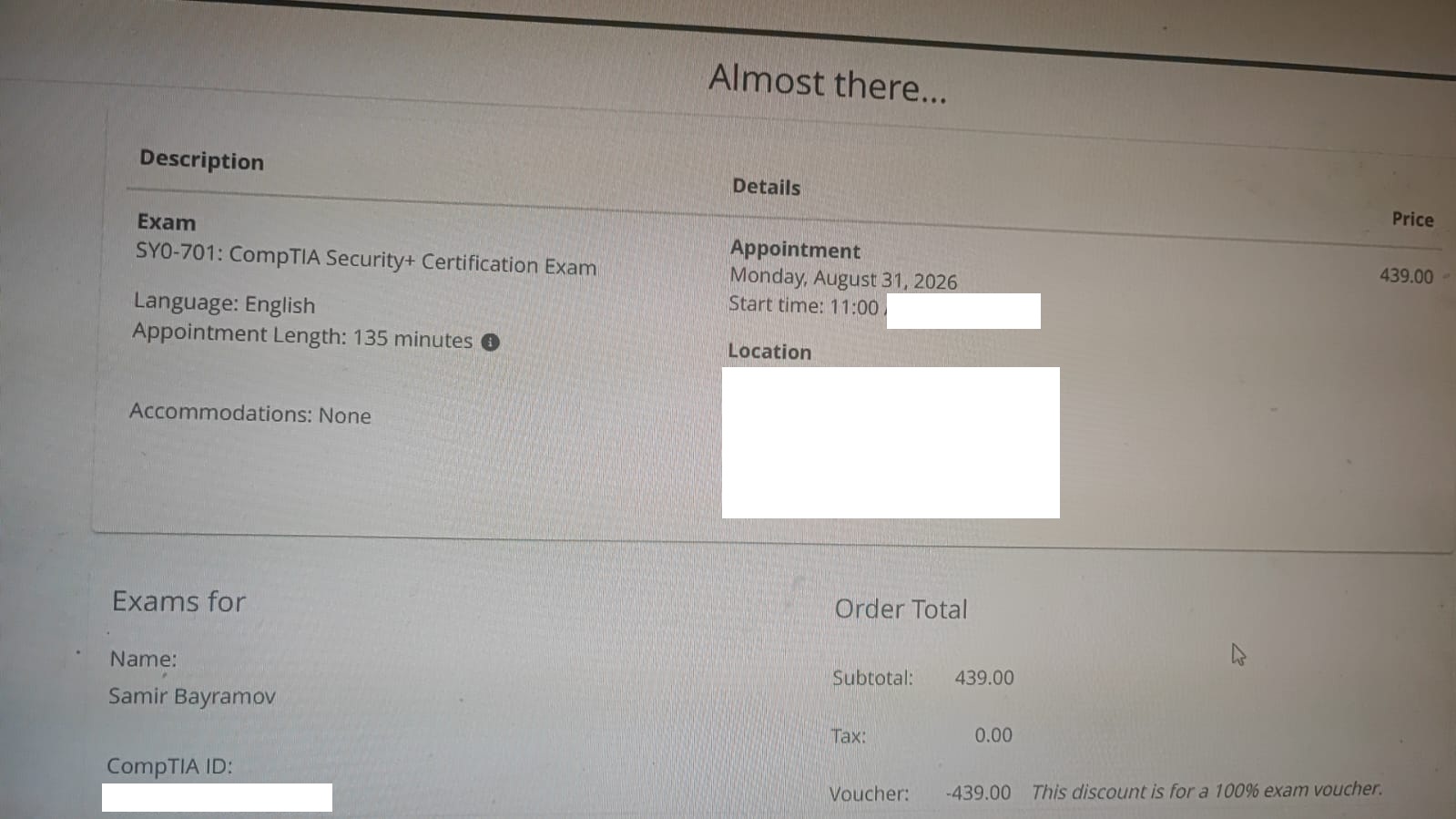
8- On the payment page, DO NOT pay. Click “Add Voucher or Promo Code”, paste your voucher code, then click Apply.
9- Click Continue and submit your booking, you’ll receive a confirmation email once your exam is successfully scheduled.
Start or advance your cybersecurity career with the CompTIA Security+ Exam Voucher. Security+ is a globally recognized, vendor-neutral certification that validates essential cybersecurity skills, including network security, risk management, threat detection, incident response, and protecting business systems.
CompTIA Security+ is trusted by employers, government agencies, and IT professionals worldwide. It is ideal for cybersecurity analysts, security administrators, network engineers, system administrators, IT support specialists, and anyone pursuing a career in information security.
This voucher gives you access to the official CompTIA Security+ (SY0-701) exam through Pearson VUE testing centers or approved online testing options, subject to CompTIA policies.
✅ How to Use Your CompTIA Voucher on Pearson VUE (Step-by-Step)
Follow these steps to redeem your CompTIA exam voucher and book your test for free:
1- Go to: https://login.comptia.org/
2- Create an account or log in to your CompTIA account.
3- Find the "Manage Exams" section, nn your account homepage, look for the "Manage Exams" section and click the Scheduled and Manage Exams link.
4- Update your profile, Complete or verify your profile information and click Save Updates.
5- You'll be directed to Pearson VUE's website. Select the exam code you want to schedule.
6- Choose whether you want to take the exam online or at a test center.
7- Accept the terms and conditions, then select your appointment date and time.
8- On the payment page, DO NOT pay. Click “Add Voucher or Promo Code”, paste your voucher code, then click Apply.
9- Click Continue and submit your booking, you’ll receive a confirmation email once your exam is successfully scheduled.
Please Log in or Register a new account to be able to From completing the order